Thoughts. Ideas. We all have them. Usually we have too many to keep track of in our heads, so we write them down. All too often this is where we leave them, forgotten and alone.
What if you had some help in making sense of them all?

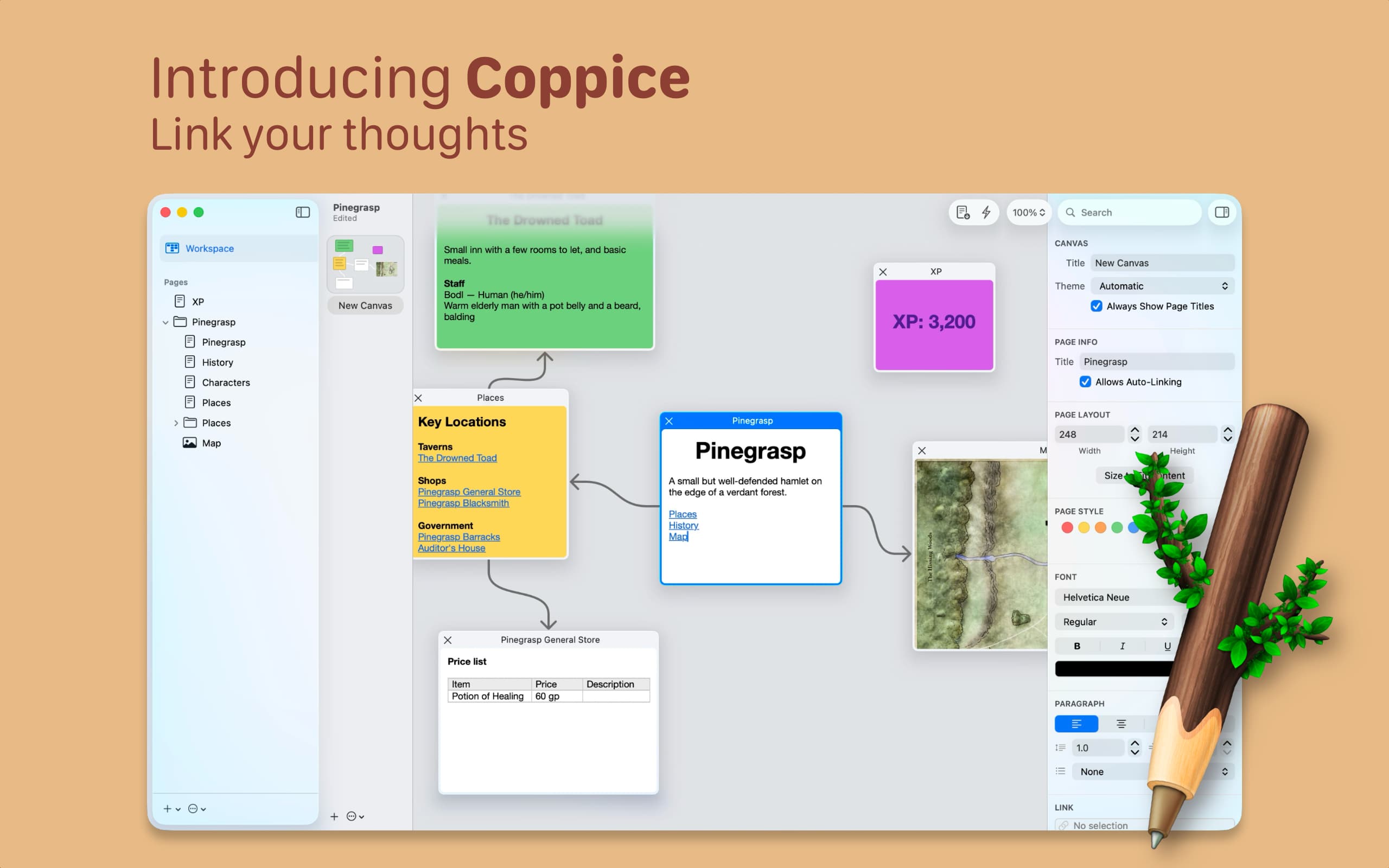
The core of Coppice is the Canvas. Canvases are a place to visually organise your thoughts and view the connections between them.
Canvases grow as your thoughts do, expanding in all directions to fit them in.

Each thought is represented by a Page. These can contain text or images and be as big or as small as you like.
Pages can be added to multiple canvases, and even fill your window for when you want to focus on that one particular thought.

Thoughts don't live in isolation, and neither should Pages. Coppice allows you to add links to other Pages, to show the relationships betwen them.

When you combine Pages, Canvases, and Links, you can see your thoughts branching out. Clicking a link will show the relationship between those Pages on the Canvas.
Coppice has a great memory too. If you close a branch, Coppice will remember all the pages that were opened and how you arranged them, meaning that entire trains of thought are always just a click away.

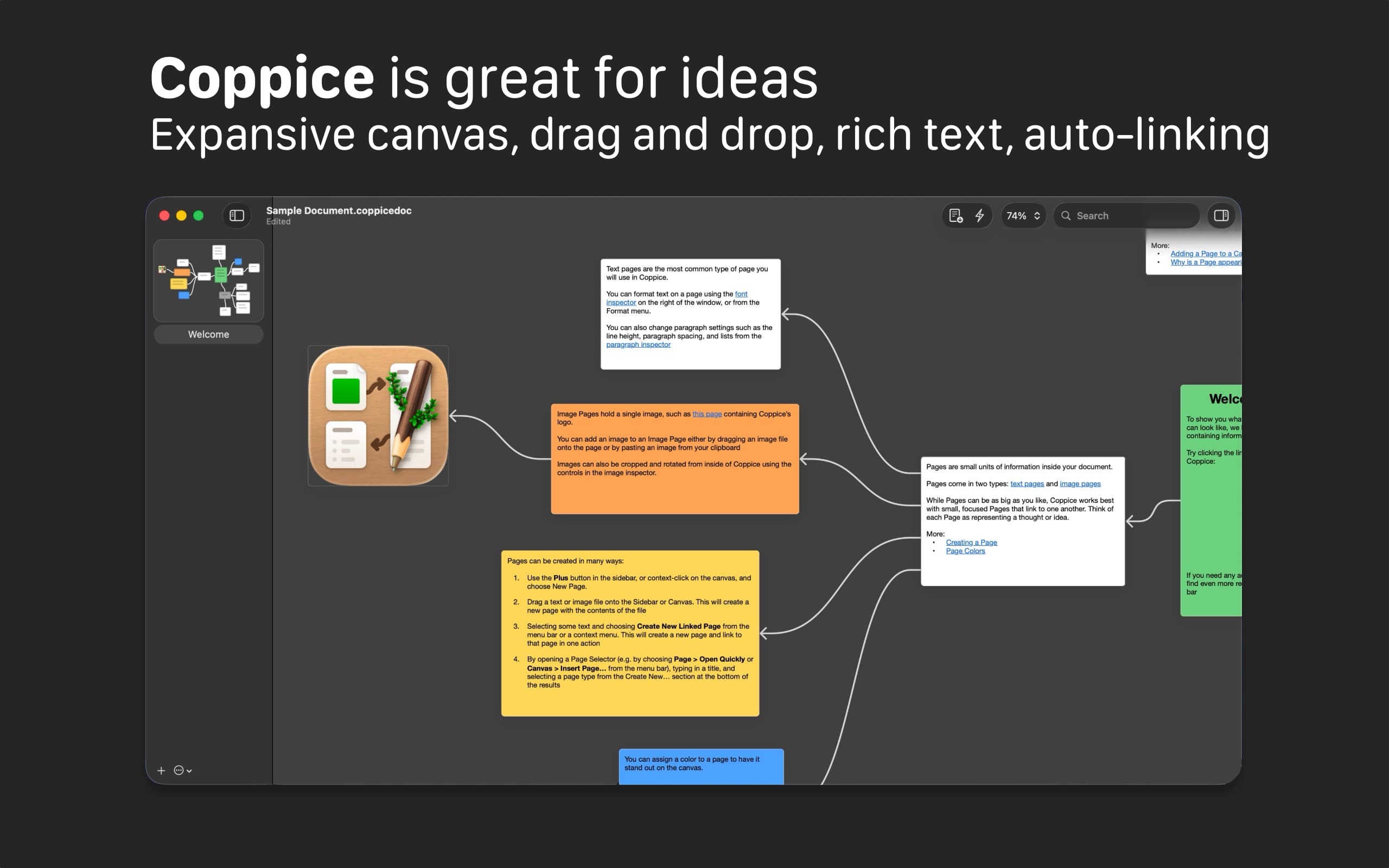
Drag text and images into the canvas from the sidebar or from other apps.
Have Coppice help you connect your thoughts by automatically linking pages for you.
Keep your pages organised with folders. Find pages quickly with Open Quickly.
Get more precision in your image links with oval and polygon hotspots.
Use color to help your pages stand out on the canvas.
Coppice has been designed for Liquid Glass and macOS Tahoe.